SketchUp Alternative: How AI is Changing 3D Modeling for Beginners
Why you no longer need to learn complex 3D modeling to visualize stunning architecture.
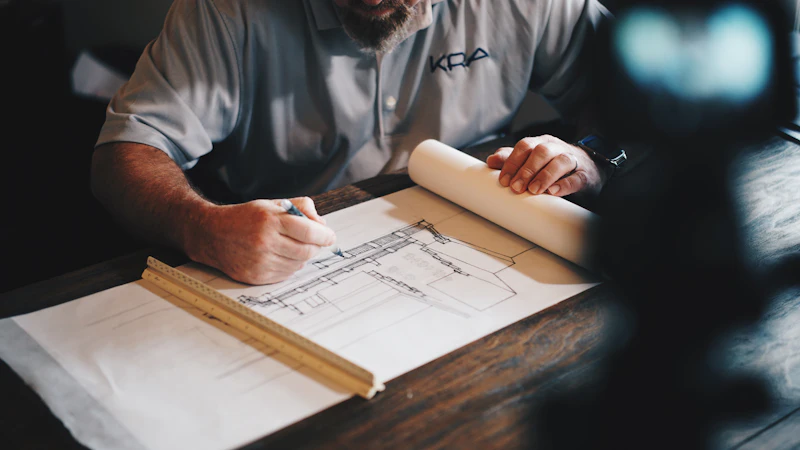
For decades, SketchUp has been the industry standard for architectural visualization. But it comes with a steep learning curve. If you want a sketchup alternative that doesn't require weeks of YouTube tutorials, artificial intelligence has the answer.
Bypassing the Modeling Phase
Traditional 3d rendering software for beginners still requires you to learn how to extrude polygons, master the push/pull tool, apply textures on a UV map, and set up complex V-Ray lighting rigs. This is a barrier to entry for many homeowners and even quick-moving contractors.
With AI design tools like ArchEasy, the 3D modeling phase is bypassed entirely.
How AI Supercharges "Clay" Models
Perhaps you already know basic SketchUp but hate configuring materials and lighting. This is where ArchEasy's "Pre-Render" mode shines as the perfect workflow companion.
- Build a completely untextured, basic "white box" or "clay" model in SketchUp (takes 5 minutes).
- Take a direct screenshot of it.
- Upload it to ArchEasy. Type "Concrete brutalist building in a snowy forest at sunset."
- The AI instantly skins the 3D model, applying hyper-realistic materials, shadows, reflections, and atmospheric fog, outputting a masterpiece in 20 seconds.
The Best 3D Rendering Software for Beginners
Whether you are starting from a raw pencil sketch or a basic digital wireframe, ArchEasy proves that it is the ultimate sketchup alternative. It democratizes high-end visualization, making professional-tier 3d rendering software for beginners accessible to everyone.
Read Next
Feature 5: Restyle Photo (Renovation)
Redesign an existing photo. Perfect for renovation projects where you want to keep the walls but change the style.
Read Article →Is There Truly a Free AI Interior Design App? What to Look For
Evaluating the market for AI interior stylers and how to maximize free credits on top platforms.
Read Article →