Tutorial 22 Jan 2026
Feature 5: Restyle Photo (Renovation)
Redesign an existing photo. Perfect for renovation projects where you want to keep the walls but change the style.
Mode: Restyle Photo (Paintbrush Icon)
The AI detects the "edges" (geometry) of your photo (walls, ceiling, large furniture shapes) and "repaints" them with new materials.
Advanced Controls
- Furniture Product Links: Paste URLs of real products you want to start with (Experimental).
- Furniture Photos: Upload images of specific furniture pieces (e.g., "I want this specific chair in the room").
- Surprise Me: Randomizes the style and colors for inspiration.
Step-by-Step
- Upload: Take a photo of your empty or furnished room.
- Set Target Style: "I want this to look like a Bali Resort".
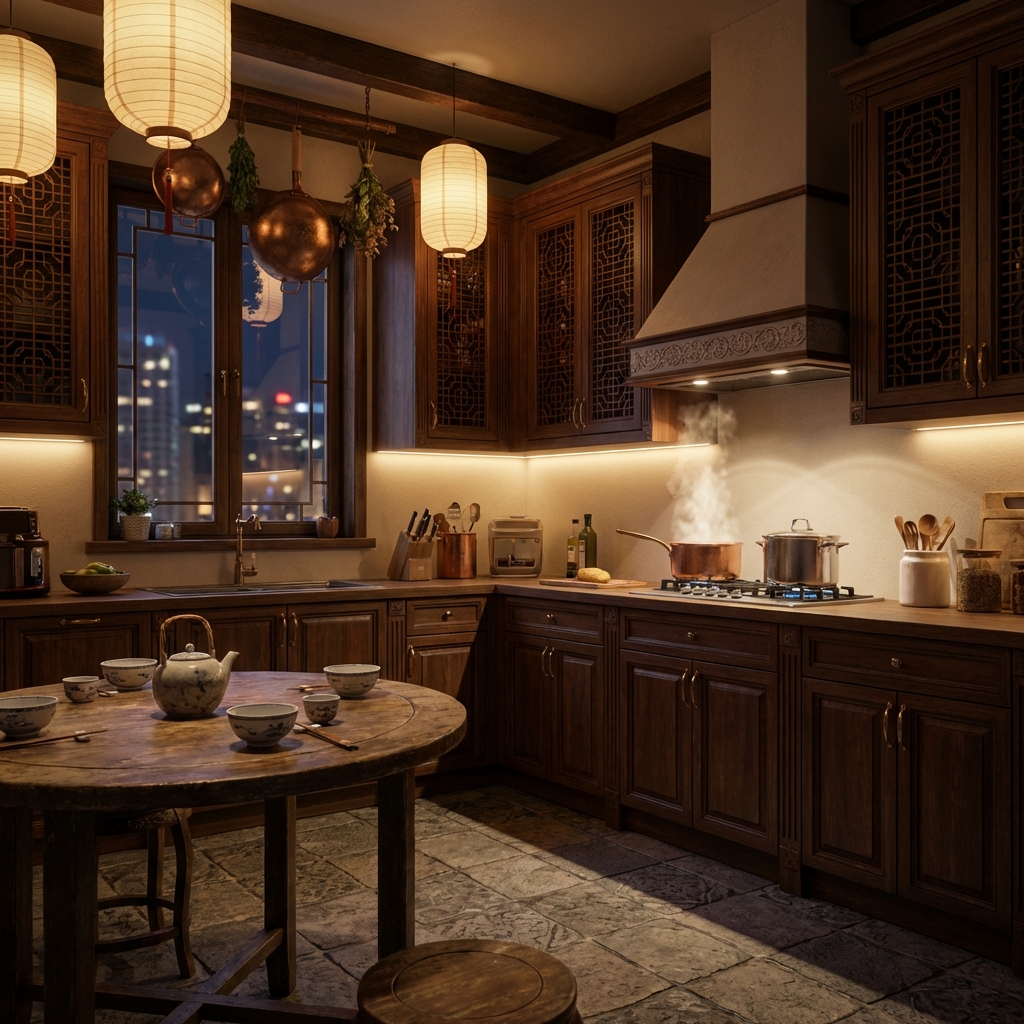
- Generate: The messy room becomes a clean, styled resort room, usually preserving window positions.
- Compare: Use the "Before/After" slider to see the transformation.
Read Next
ArchEasy vs. ChatGPT, Gemini & Banana Pro: The Ultimate Design AI Comparison
Why ArchEasy is the superior choice for architectural and interior design compared to general AI tools like ChatGPT, Google Gemini, and Banana Pro. No prompts needed, no watermarks, just pure design.
Read Article →Feature 4: AI Room Design
Pure imagination. Generate 3D interior/exterior designs from text descriptions or style references.
Read Article →