Features 22 Jan 2026
Feature 4: AI Room Design
Pure imagination. Generate 3D interior/exterior designs from text descriptions or style references.
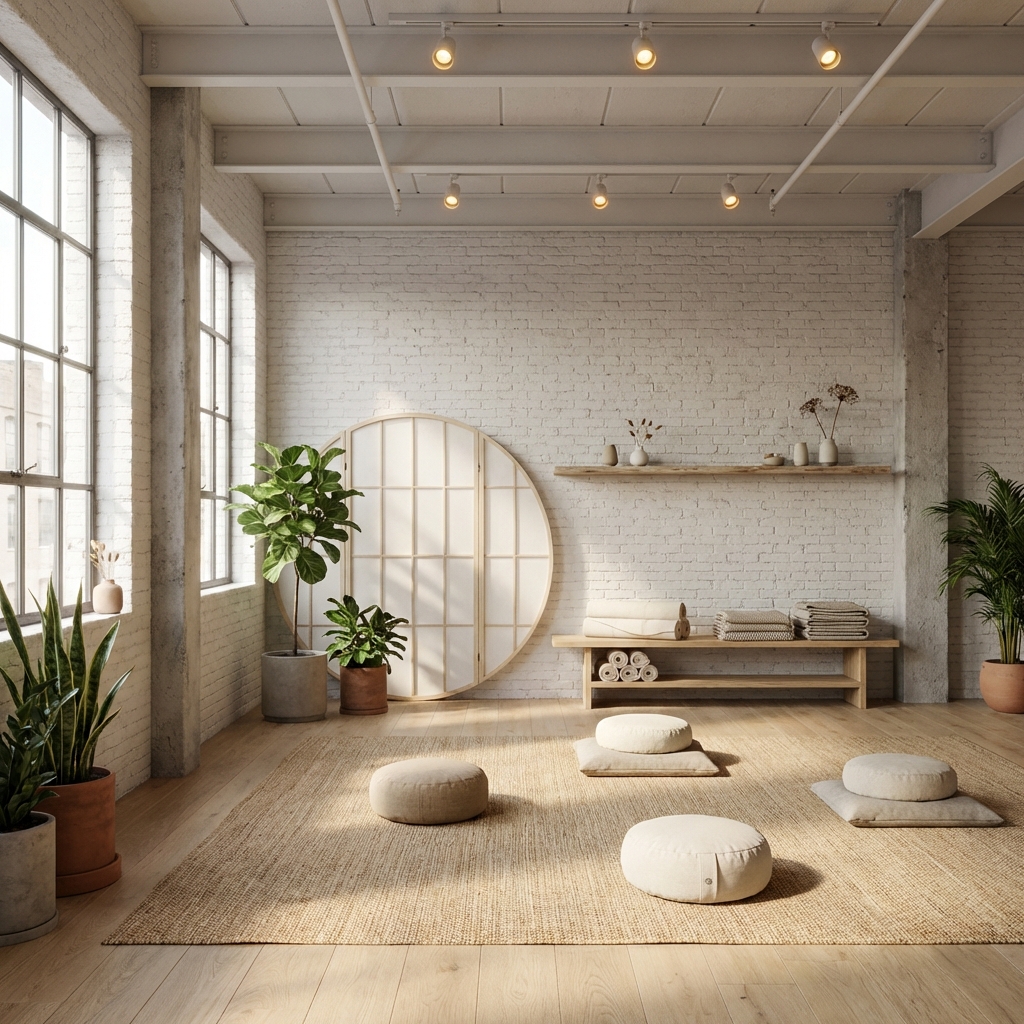
Mode: Create 3D Room (Wand Icon)
Pure imagination. Generate 3D interior/exterior designs from text descriptions or style references.
Step-by-Step
- Select Mode: Click the Wand Icon.
- Room Settings:
- Room Category: What are we building? (e.g. "Coffee Shop", "Living Room").
- Dimensions: Optional. Help AI understand scale (e.g., 4m x 5m).
- Room Shape: Select the general geometry (Square, L-Shape, etc.).
- Style Configuration:
- Style: (e.g., "Cyberpunk", "Industrial").
- Color Palette: Use the "Advanced Color Selector" to pick a preset or custom hex codes.
- Prompt: "A cozy reading nook with a hanging chair and fairy lights."
- Reference (Optional): Upload an image in the "Style Reference" box to copy the vibe of that image.
Read Next
The Ultimate Guide to AI Design for Real Estate and Architecture
Discover how AI design is revolutionizing the way professionals and homeowners visualize properties.
Read Article →From Sketch to Blueprint: The Power of the AI Floor Plan Generator
How text prompts and simple doodles can instantly become professional 2D floor plans.
Read Article →