Guide 22 Jan 2026
Getting Started: Global Settings & Basics
Master the core controls of ArchEasy: AI Engine selection, Credit System, and basic navigation before you design.
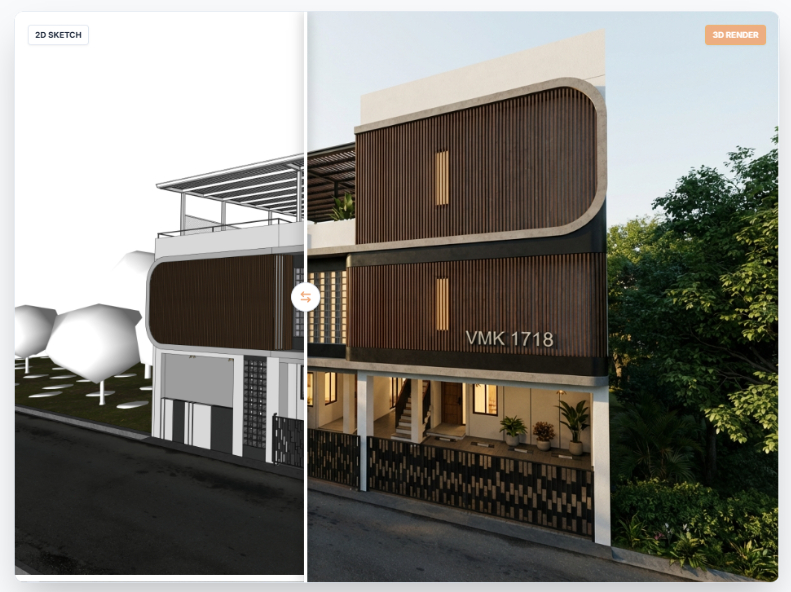
Before diving into specific features, familiarize yourself with the core controls available across the application.
1. AI Engine Selection
Located at the top of the sidebar, you can choose your AI brain:
- Gemini (Google): The default engine. Best for balanced speed and cost efficiency.
- OpenAI (GPT-4o): Premium engine. Best for high-fidelity artistic renders and complex instruction following. Costs more credits.
Pro Tip
Use Gemini for quick iterations and OpenAI for your final client presentation.
2. Credit System (Coins)
Every generation consumes coins. It is important to watch your balance.
- Standard Render: ~4-5 Coins per image.
- PDF Batch: Calculates coins per page (e.g., 5 pages = 25 coins).
- Purchase: You can top up coins from the dashboard. Coins do not expire as long as your account is active.
Read Next
The Ultimate Guide to AI Design for Real Estate and Architecture
Discover how AI design is revolutionizing the way professionals and homeowners visualize properties.
Read Article →Is There Truly a Free AI Interior Design App? What to Look For
Evaluating the market for AI interior stylers and how to maximize free credits on top platforms.
Read Article →